Tools & Gear

Practical gear for building, maintaining, testing, documenting, and repairing the systems around work, home, and experimentation.

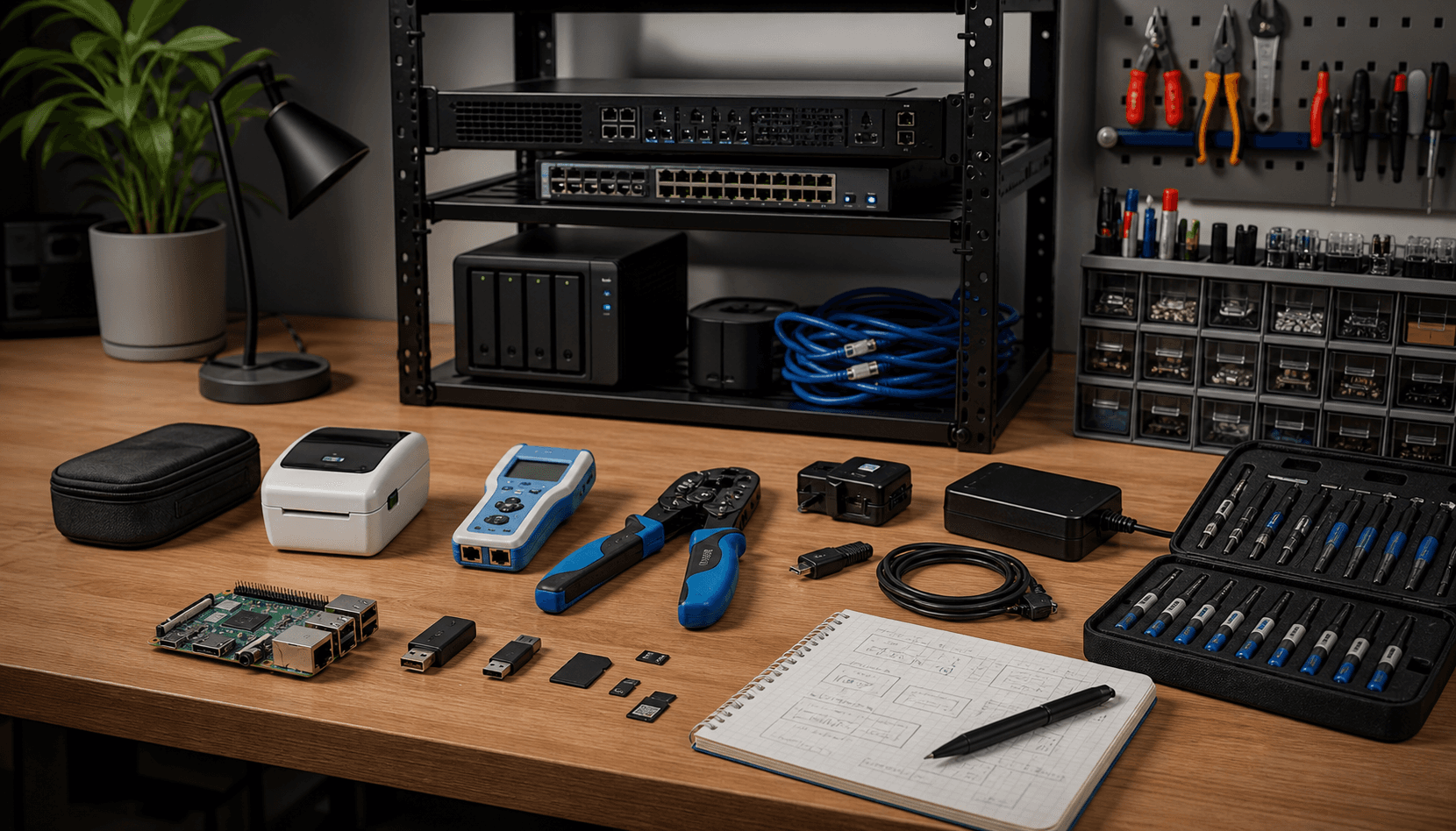
Organized home lab workbench with compact boards, network switch, tester, crimping tools, cables, adapters, and notebook
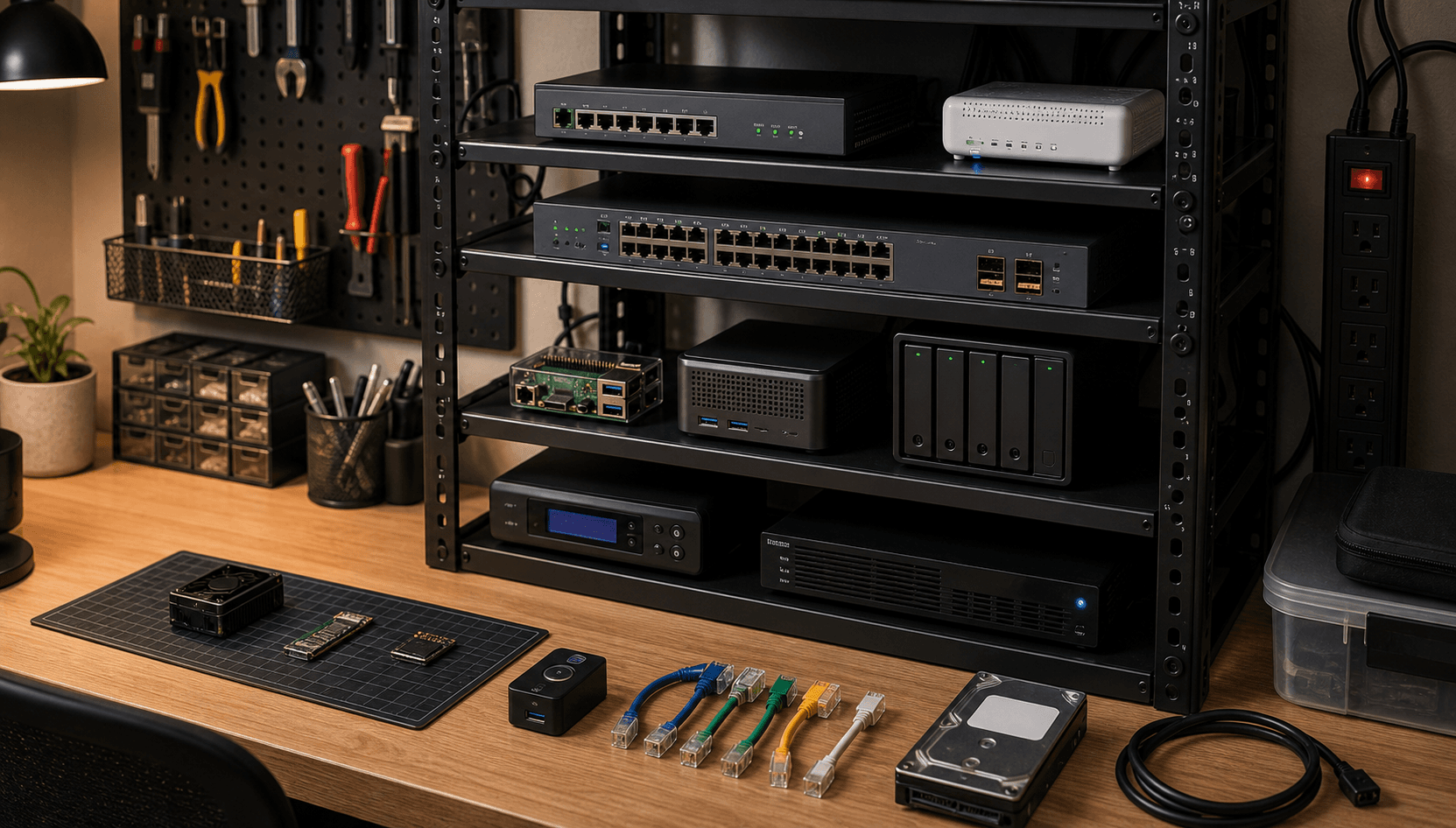
Compact home lab shelf with single-board computer, mini server, switch, router, storage, and UPS

Useful Objects

Lab Hardware

Lab hardware is useful because it makes infrastructure physical. A Raspberry Pi, compact server, mini PC, switch, router, UPS, storage device, or rack shelf teaches different lessons when it is actually running services instead of living in a diagram.

The useful pattern is to keep lab hardware accessible enough to experiment but stable enough to support real routines. Home Assistant, dashboards, monitoring, storage, proxying, and test services all become more meaningful when they have to survive updates, power events, and network changes.

The habit is to separate experiments from important services. That keeps curiosity alive without putting household systems at unnecessary risk.

  • Raspberry Pi or compact server hardware for Home Assistant, small services, dashboards, and experiments.
  • Managed switch, router, and access points where network segmentation or visibility matters.
  • NAS or external storage for backups, media, documents, app data, and restore testing.
  • Useful process: label devices, document IPs, track service ownership, and separate stable services from experiments.
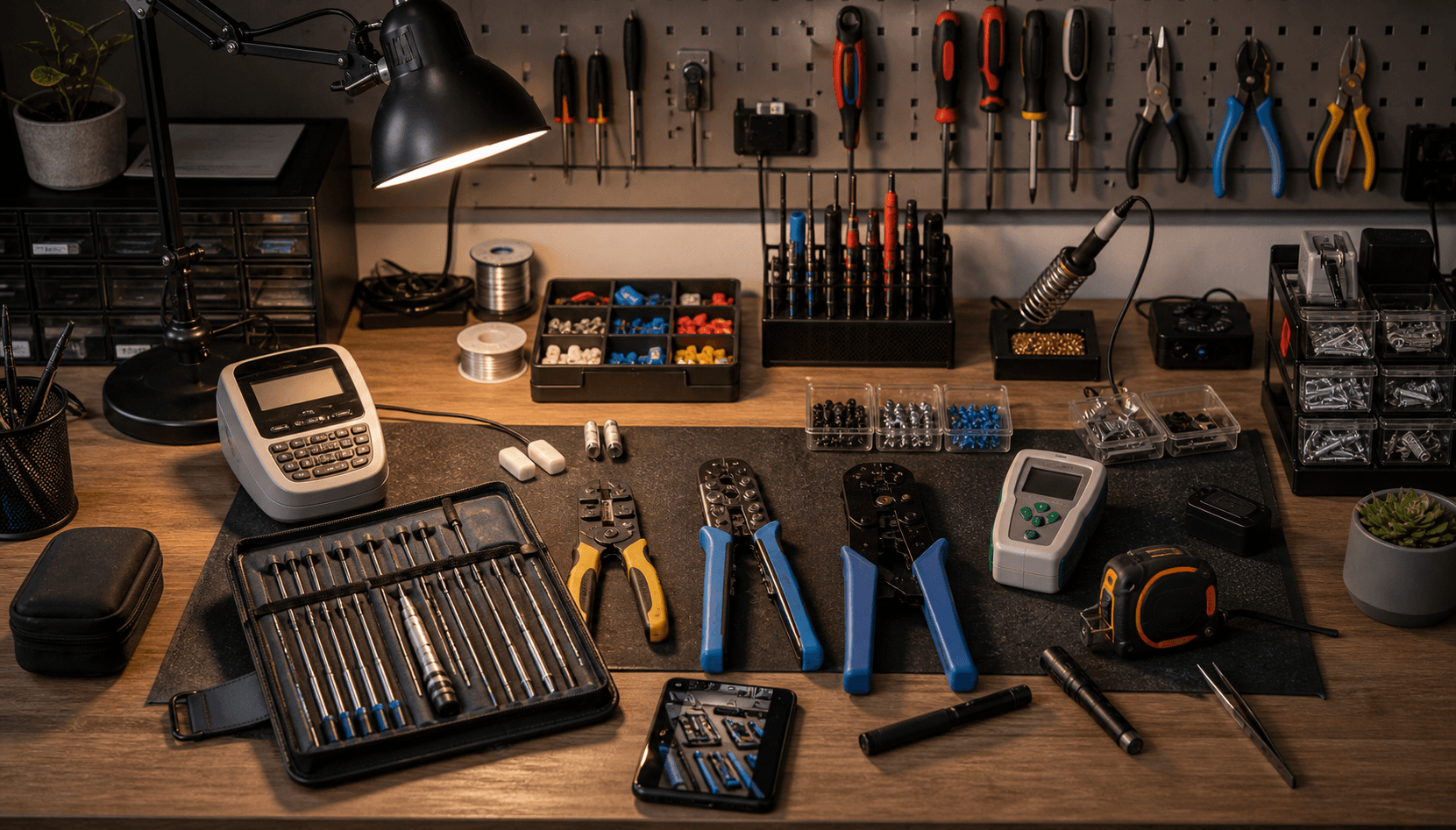
Neatly arranged screwdriver kit, wire stripper, crimping tool, cable tester, label maker, and small fasteners

Useful Objects

Hand Tools

Hand tools make physical system work less fragile. Automation and HomeLab projects eventually involve mounting, opening panels, adjusting brackets, crimping cables, labeling runs, and fixing small things that software cannot abstract away.

The favorite tools are the ones that improve precision and reduce damage: a proper screwdriver set, wire stripper, crimping tool, cable tester, label maker, measuring tape, and a small toolkit that stays near the work area.

The habit is to prepare before opening things up. Measure first, label before disconnecting, photograph the existing state, and keep screws and connectors organized. That small discipline prevents a lot of avoidable mess.

  • Precision screwdriver kit, wire stripper, crimping tool, cable tester, measuring tape, and small fastener storage.
  • Label maker or cable tags for racks, power adapters, ports, sensors, and hidden wiring.
  • Phone camera as a documentation tool before changing wiring, panels, or device placement.
  • Useful process: photograph, label, change one thing at a time, then test before closing the panel.
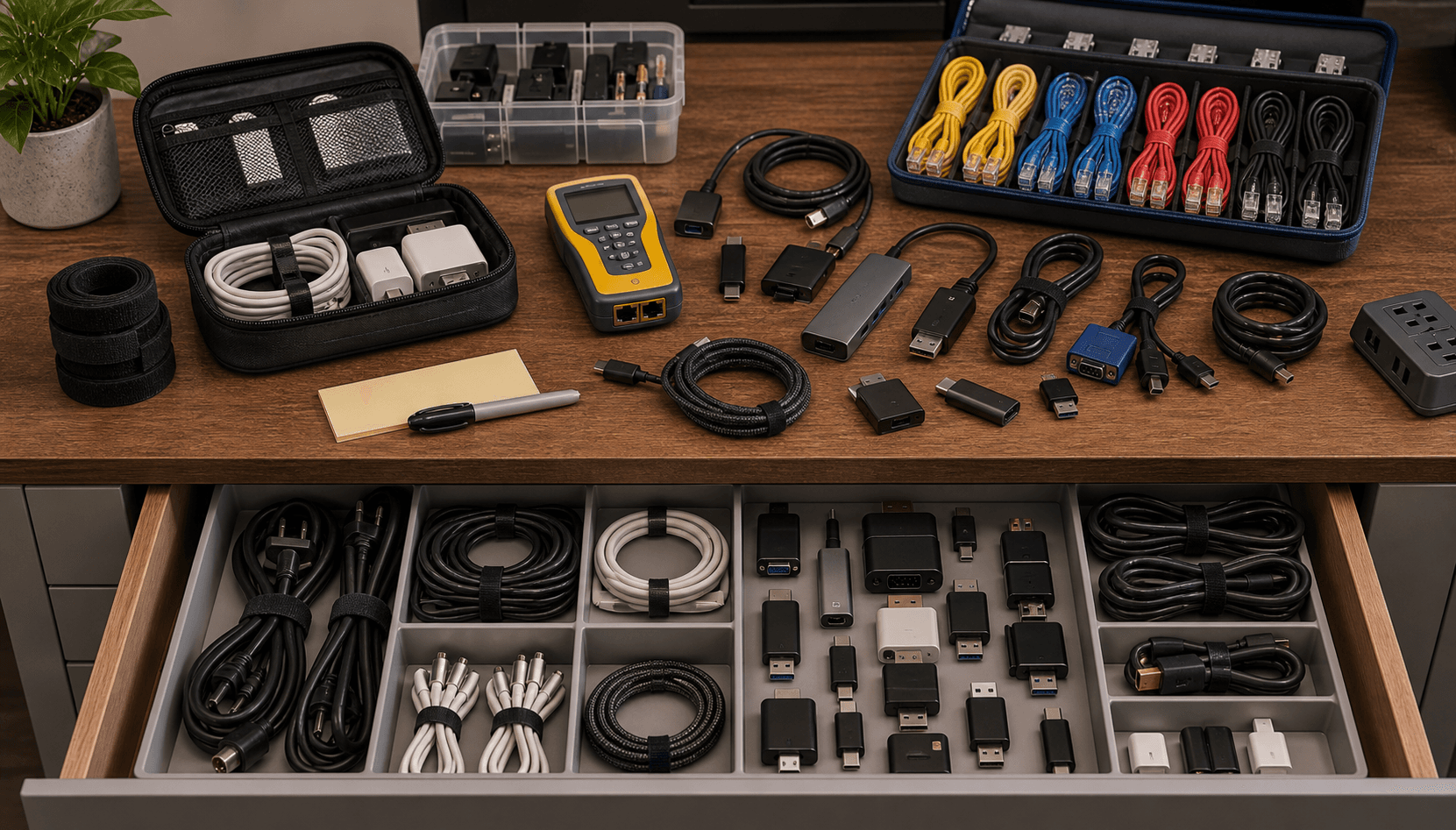
Sorted cables and adapters with Ethernet patch leads, USB-C cables, display adapters, console cable, and labels

Useful Objects

Cables & Adapters

Cables are boring until they are the reason something does not work. A good cable and adapter system saves time because it turns unknown failures into known options.

The useful setup is not a giant drawer of mystery wires. It is a small sorted inventory: power cables, USB-C, Ethernet, HDMI, display adapters, short patch cables, console cables, spare chargers, and known-good test cables.

The habit is to keep at least one cable in each category that is trusted. When debugging, a known-good cable is a diagnostic tool, not just a convenience.

  • Known-good Ethernet patch cables, USB-C cables, HDMI/display adapters, console cable, and spare power leads.
  • Short patch cables for racks and longer cables for temporary testing without moving equipment.
  • Cable ties, Velcro straps, labels, and small storage boxes grouped by cable type.
  • Useful process: test with a known-good cable before blaming the device, service, or configuration.
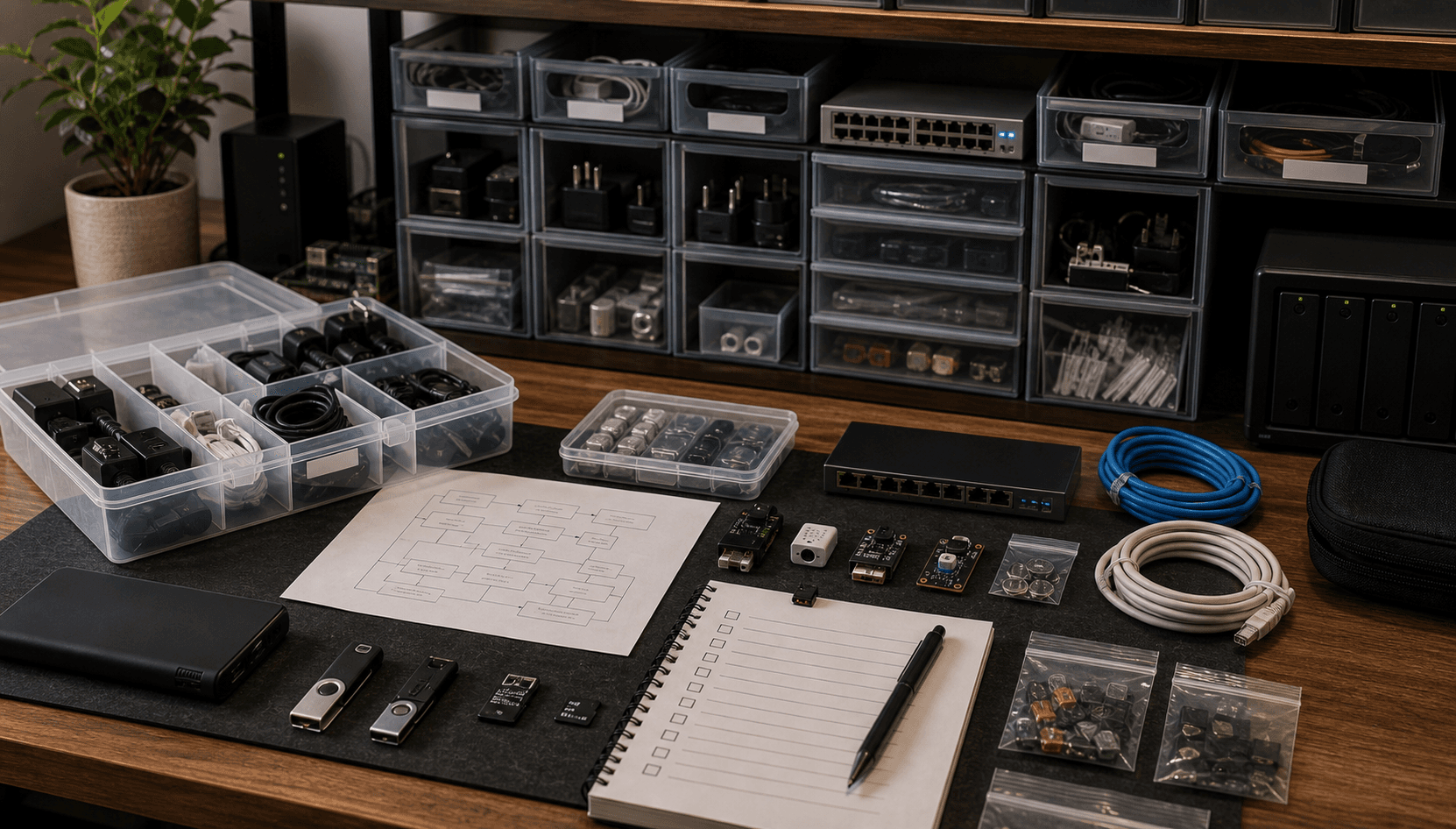
Recovery parts kit with spare power adapters, SD cards, boot drives, batteries, sensors, and configuration notes

Useful Objects

Spares & Recovery

Spares are a practical expression of resilience. A home system does not need enterprise-grade everything, but it does need recovery paths for the parts most likely to interrupt daily life.

The useful spare set includes power adapters, SD cards or boot media, storage cables, network cables, small switches, batteries, sensors, and configuration backups. The point is not hoarding parts. It is reducing downtime when the obvious weak link fails.

The habit is to test recovery before it is needed. A backup that has never been restored is only a hope with a timestamp.

  • Spare power adapters, SD cards or boot drives, Ethernet cables, batteries, sensors, and basic networking parts.
  • Configuration backups for Home Assistant, routers, dashboards, services, and important local systems.
  • Small inventory note: what exists, where it is stored, and what system it can recover.
  • Useful process: schedule restore checks and keep one recent backup outside the machine it protects.