Everyday Stack

The objects, routines, and small systems that make normal days smoother: desk flow, notes, audio, carry, and repeatable setup habits.

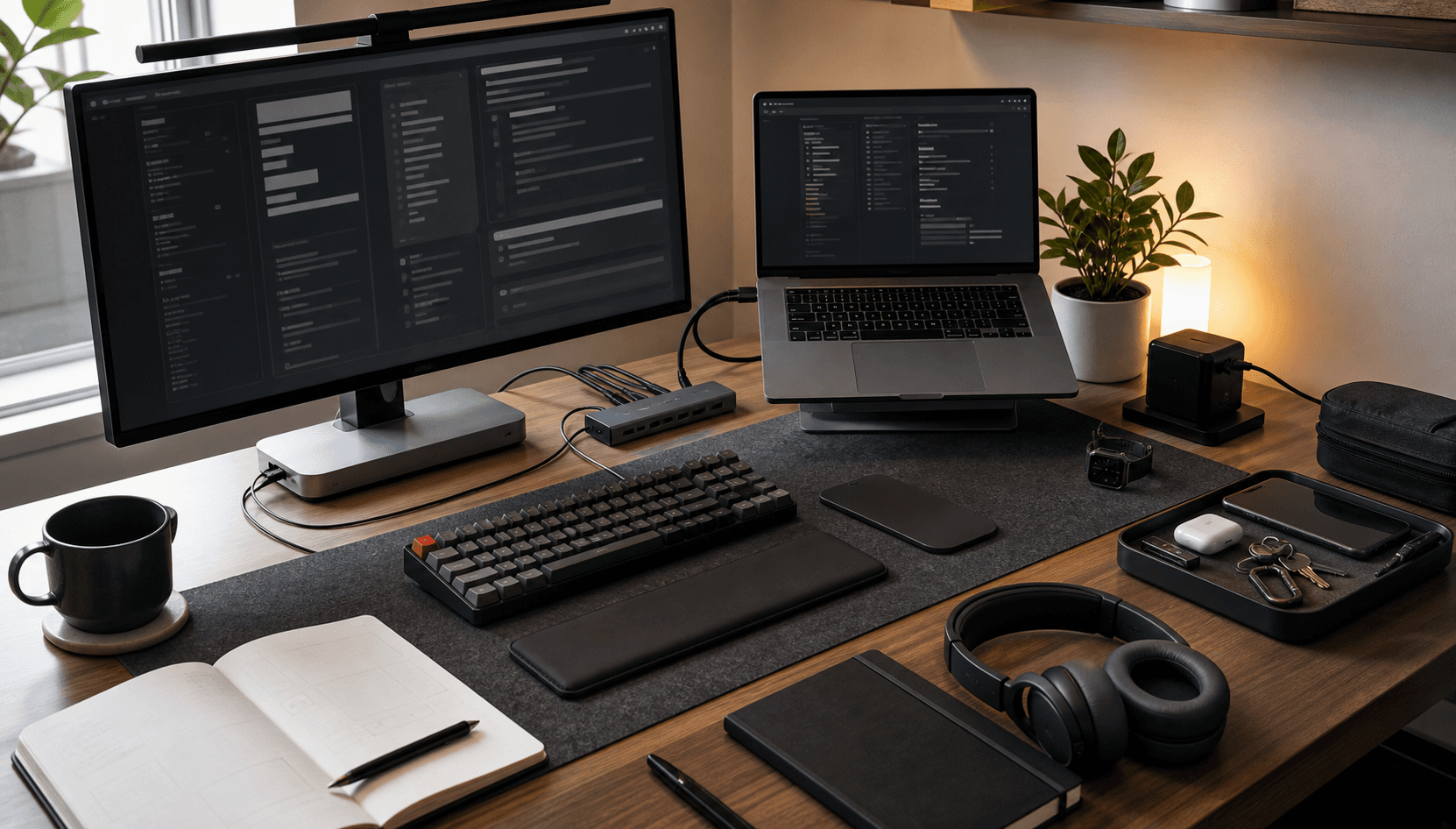
Organized daily desk workflow with monitor, laptop, keyboard, notebook, headphones, charger, and everyday carry tray
Dense productivity desk with dual 4K monitors, monitor lamp, mini PCs, Raspberry Pi case, tablet, handheld cyberdeck, MacBook-style laptop, mechanical keyboard, mouse, wireless phone charging, and smart voice device

Daily Use

Desk Flow

Desk flow is less about having an impressive setup and more about reducing start friction. The useful desk is the one where the laptop, monitor, notes, charger, headphones, and daily tools are already in predictable positions, so the first few minutes of work do not become setup time.

The core pattern is a clear primary screen, a reliable input setup, and a small physical capture zone. A large monitor helps with design review, code, documents, and dashboards. A laptop remains the mobile center. A notebook or scratchpad stays close enough for quick thinking that should not immediately become digital clutter.

Cable routing, a charging routine, and a clean shutdown habit matter more than they look. When the desk resets at the end of the day, the next session starts with fewer decisions and less visual noise.

  • Primary laptop with an external monitor for design, code, dashboards, and writing side by side.
  • Keyboard, mouse or trackpad, and a fixed charging position so the desk is ready without hunting for cables.
  • Notebook or scratchpad for rough thinking before it becomes a task, article, diagram, or system decision.
  • End-of-day reset habit: clear surface, dock devices, close loops, and leave the next session obvious.
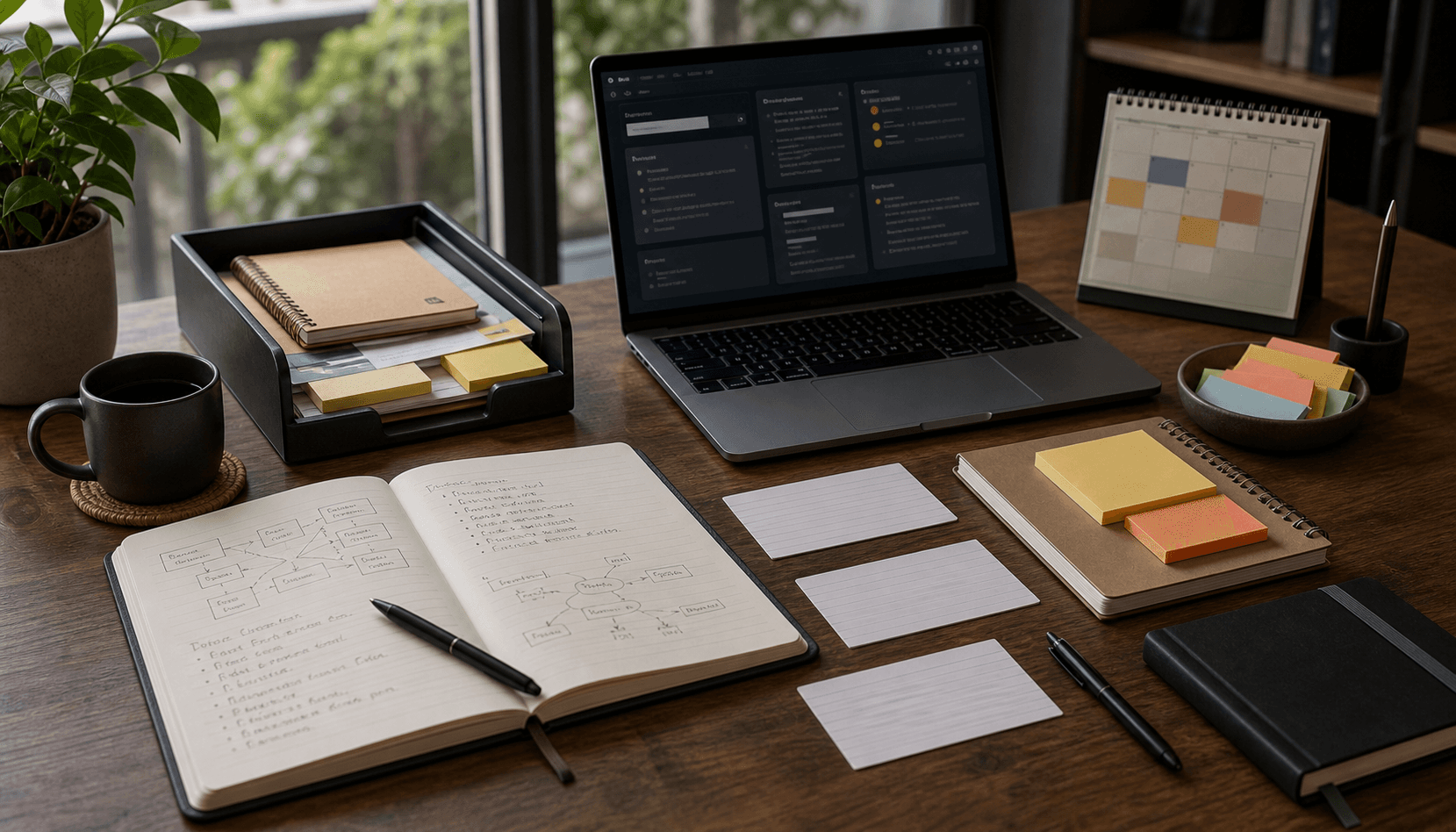
Notebook, pen, laptop, quick capture cards, and organized digital notes for turning rough ideas into useful work

Daily Use

Notes & Capture

The capture system has to be fast enough to trust. If a thought needs a perfect folder before it can be written down, it usually disappears. The first layer is intentionally simple: quick notes for ideas, rough bullets for decisions, and short logs for things that need follow-up.

The second layer is where notes become useful. Ideas are rewritten into project notes, page copy, implementation tasks, or reference material. This prevents the common trap of having many notes but very little usable thinking.

The habit is to separate capture from clarification. Capture can be messy. Clarification is where the note earns its place: what is the decision, what is the next action, what needs proof, and what can be ignored.

  • Quick capture for raw ideas, project fragments, and things noticed during calls or builds.
  • Markdown-style writing for durable notes, page drafts, prompts, and implementation outlines.
  • A weekly pass that turns loose notes into tasks, references, article seeds, or deletions.
  • Simple rule: capture quickly, organize later, and avoid building a knowledge system that becomes another job.
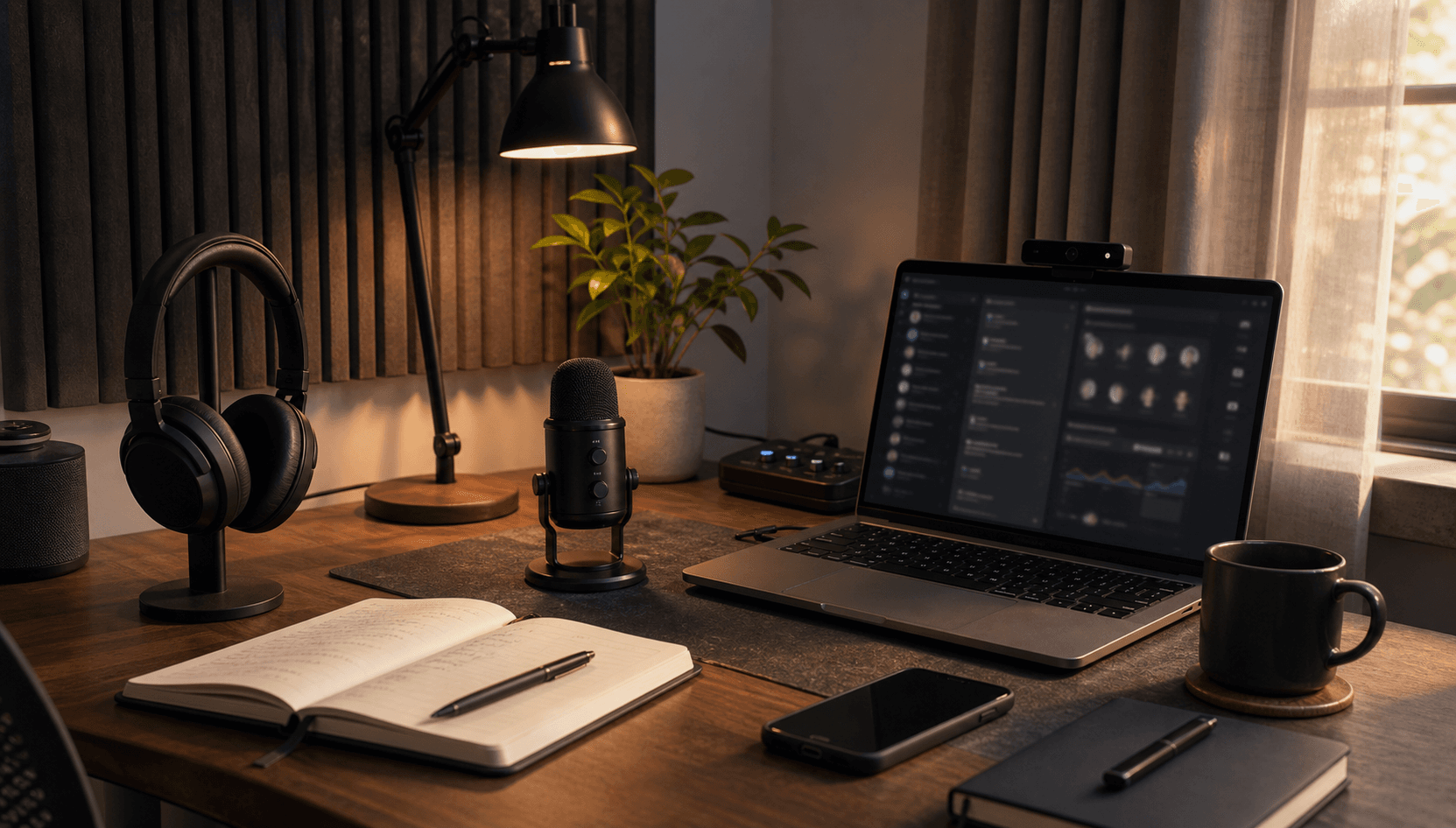
Noise cancelling headphones, microphone, laptop, muted phone, and quiet desk setup for calls and deep work

Daily Use

Audio & Focus

Audio is part of the working environment. Different modes need different defaults: calls need clarity, deep work needs isolation, learning needs comfort, and casual listening should not fatigue the ears after an hour.

Noise control is especially useful when work moves between writing, design review, code, meetings, and home activity. A dependable headset or headphones reduce context leakage, while a simple microphone habit improves the quality of remote conversations.

The focus habit is not to chase silence all day. It is to make intentional modes: call mode, deep-work mode, review mode, and learning mode. That makes audio a switch for attention instead of background decoration.

  • Noise-cancelling headphones or a reliable headset for calls, deep work, and learning sessions.
  • Separate speaker or open-listening mode for casual work where isolation is not needed.
  • Muted notifications during deep work, especially while writing architecture notes or reviewing code.
  • Call checklist: charged audio, quiet room, stable network, and notes open before the meeting starts.
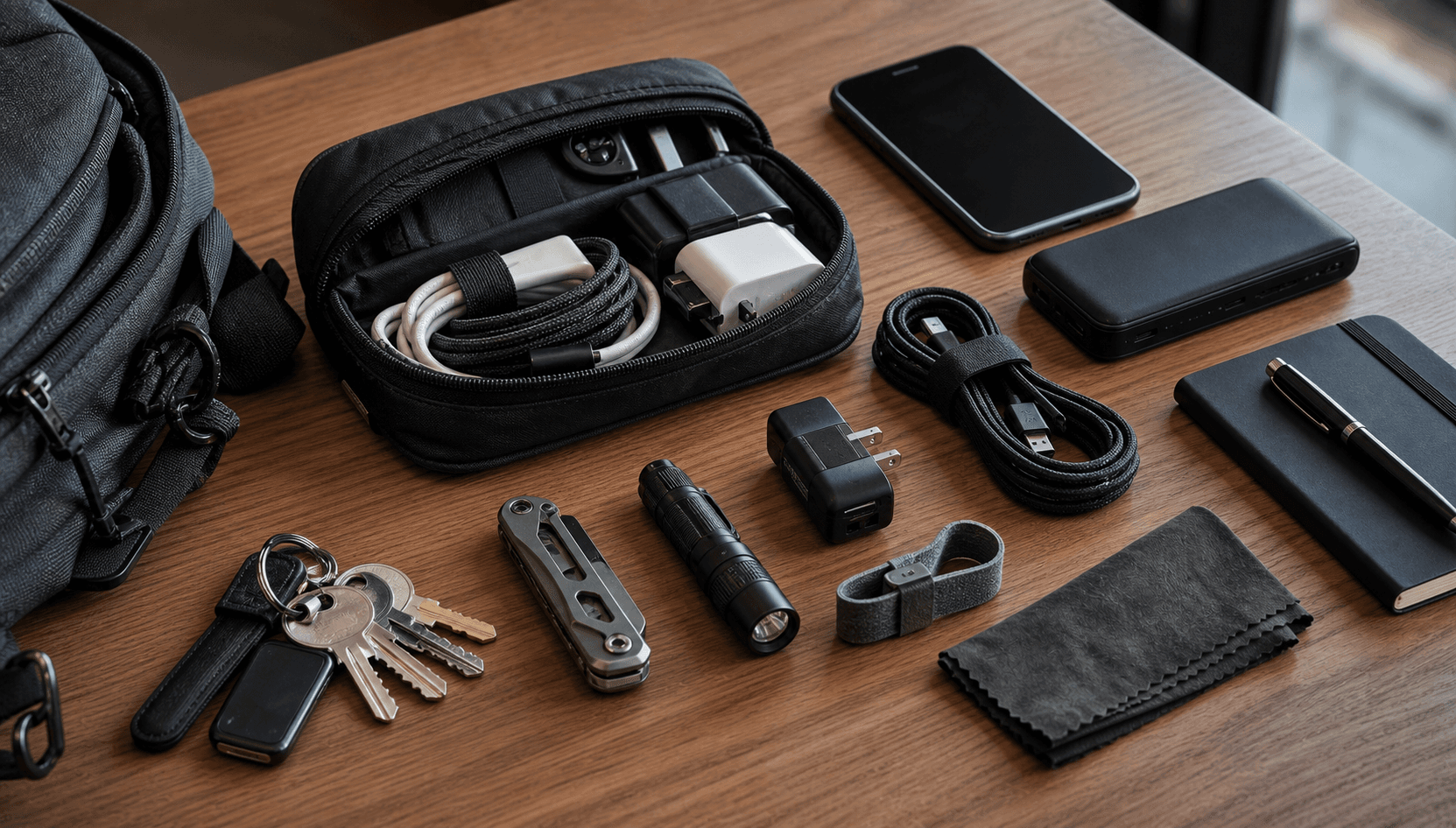
Compact everyday carry pouch with charger, USB-C cable, adapters, pen, notebook, and small practical tools

Daily Use

Carry

Everyday carry is about preventing small interruptions. The useful carry kit is not a collection of gadgets; it is a compact recovery system for power, connectivity, writing, and tiny repairs.

The most valuable items are boring: a charger, a cable that actually works, a small adapter, a pen, a notebook, and sometimes a compact tool. These items save time because they avoid dependency on the room being perfectly prepared.

The habit is to keep the carry kit stable. If it changes every day, it becomes another thing to manage. A small fixed kit makes movement between home, office, travel, and site visits easier.

  • Compact charger, USB-C cable, and practical adapters for common display or device needs.
  • Small notebook and pen for quick diagrams, meeting notes, and site observations.
  • Minimal tool or multi-tool for small adjustments when working around racks, desks, or hardware.
  • Reset habit after travel or site visits: recharge, replace missing cables, and return everything to the same pocket or pouch.